01
Log in a tap
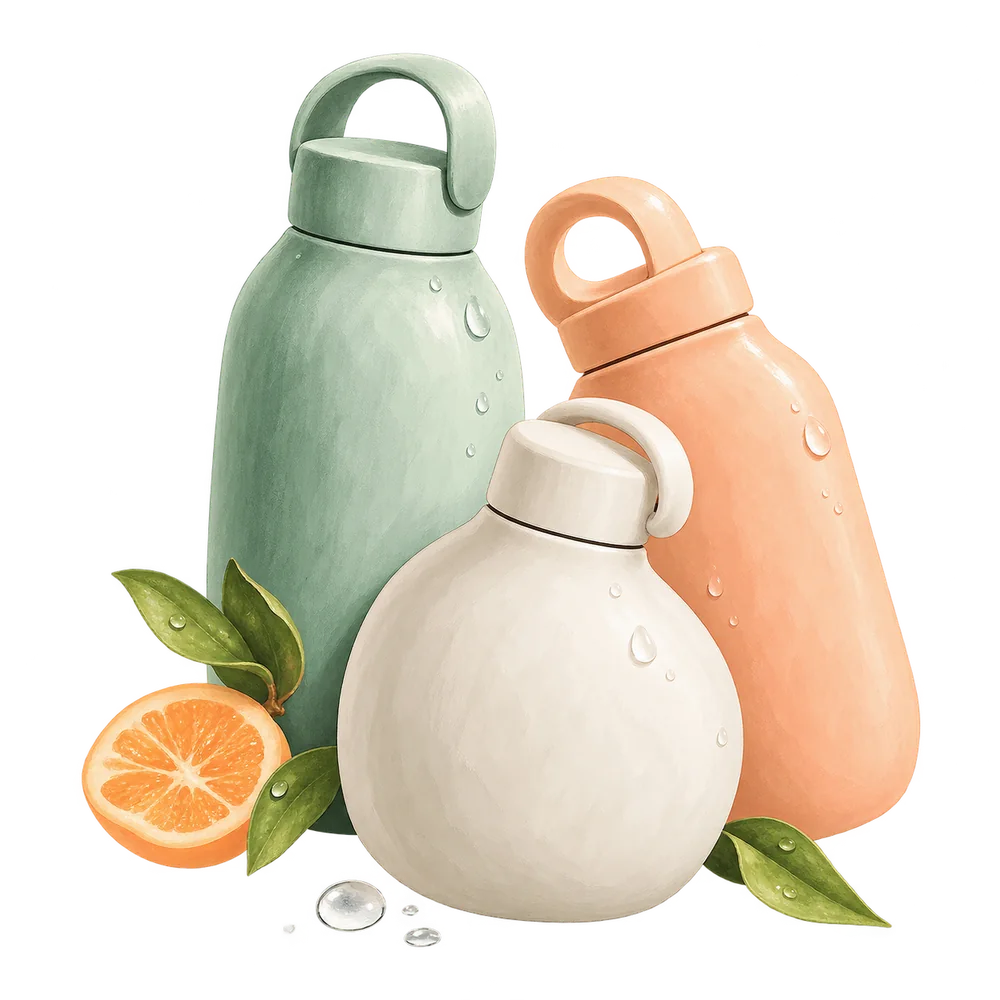
Tap to add your usual cup, or press and hold to pour exactly what you drank. Save your own bottles, like a desk bottle or a gym flask, and log them in one tap.
Sipwell · A water journal
A water tracker with Dew, a little drop who fills up as you do. Reminders only in the hours you pick, charts you can drag across, and no account.
Press and hold Dew to pour exactly what you drank.
From the app
Scroll through a day
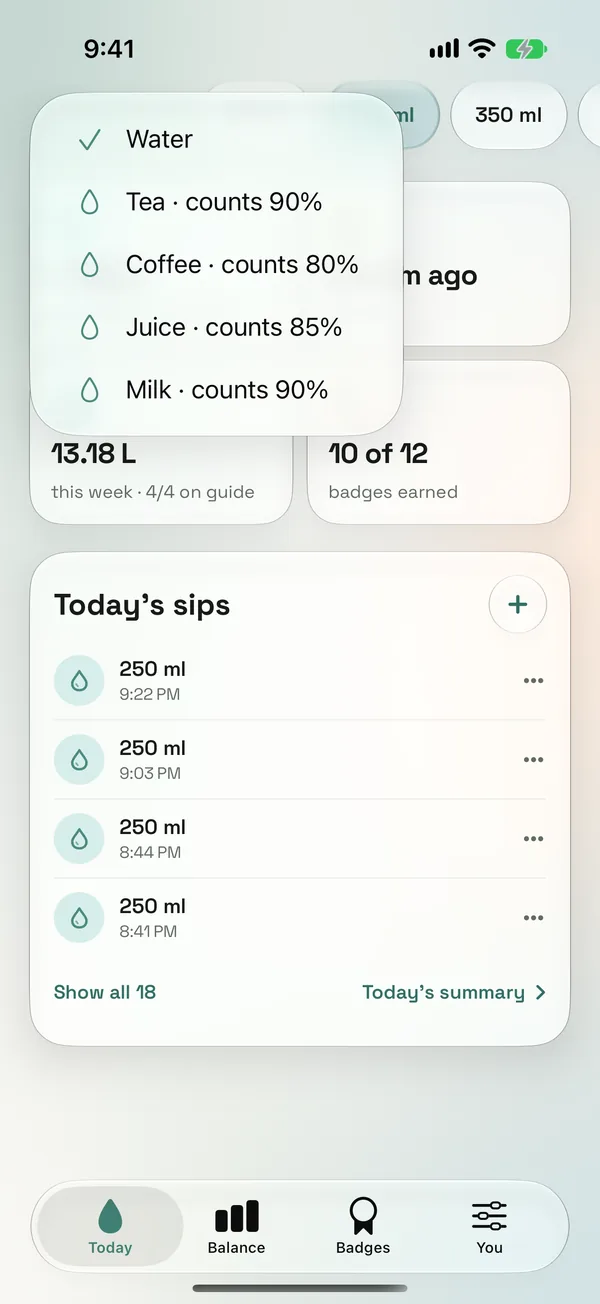
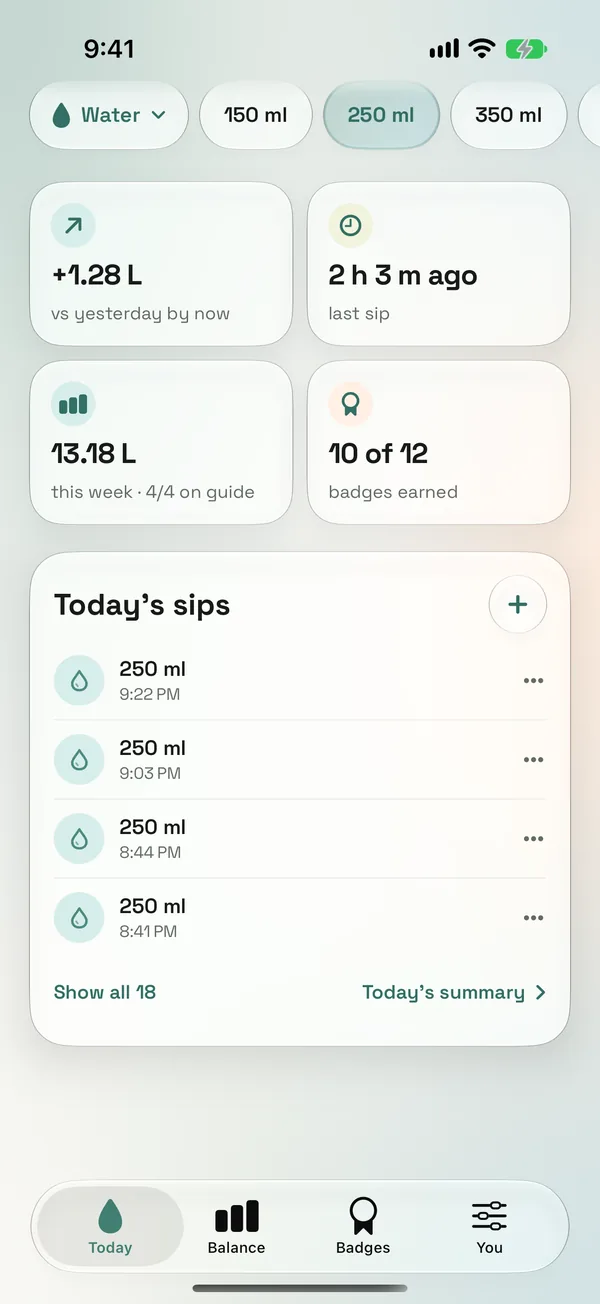
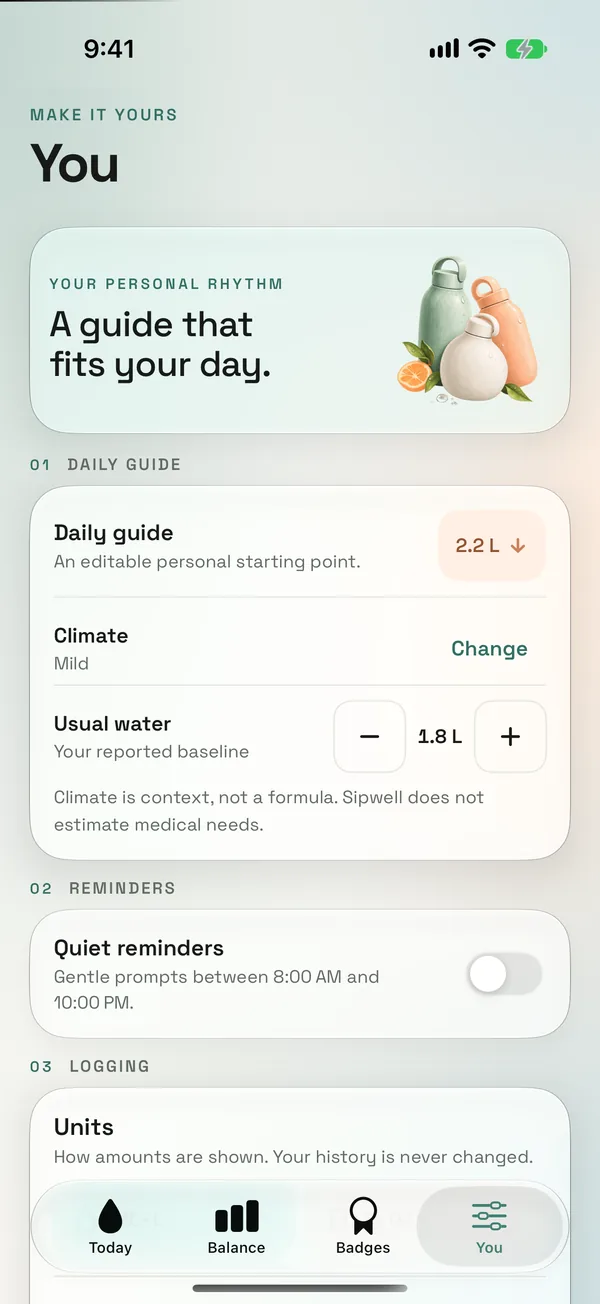
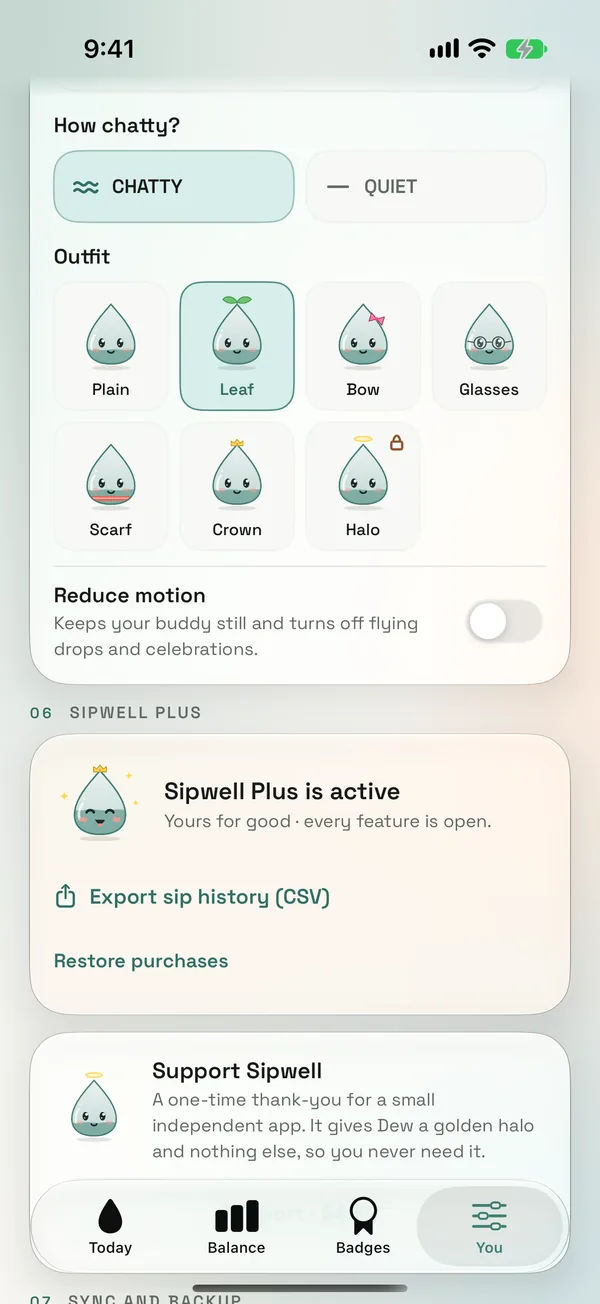
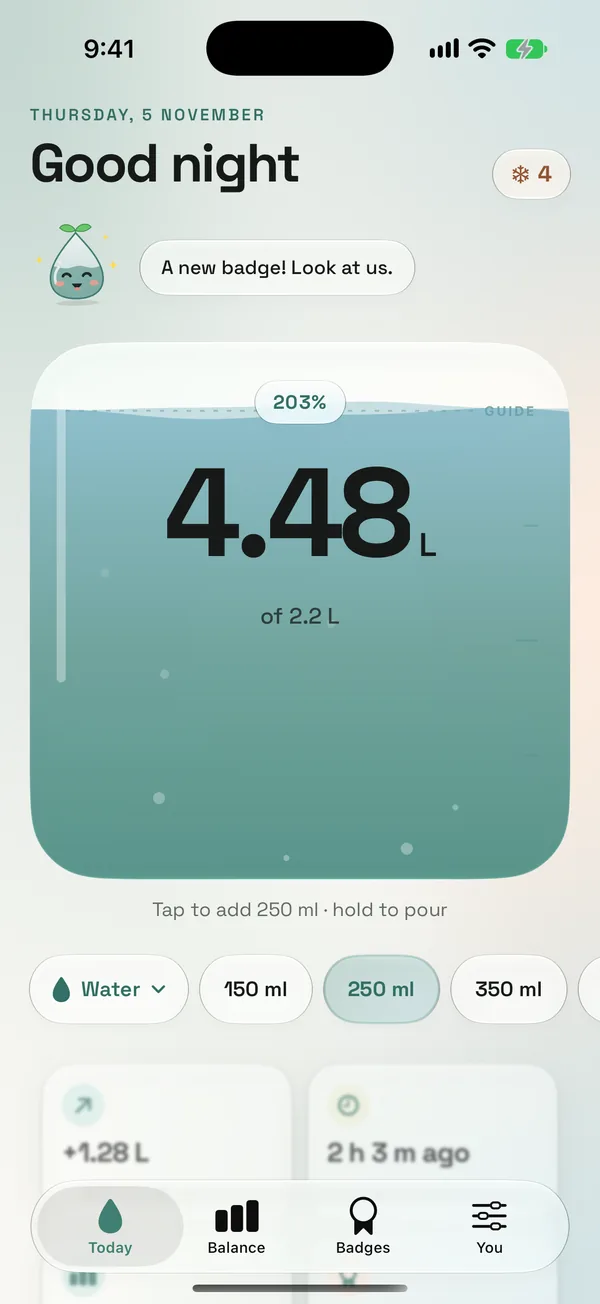
Each tap adds your usual pour. Press and hold to pour exactly what you drank, and watch the water rise.
Tea, coffee, juice and milk count too, at a fair share of the pour.
See each pour with its time, fix the ones you got wrong, and check how today compares with yesterday.
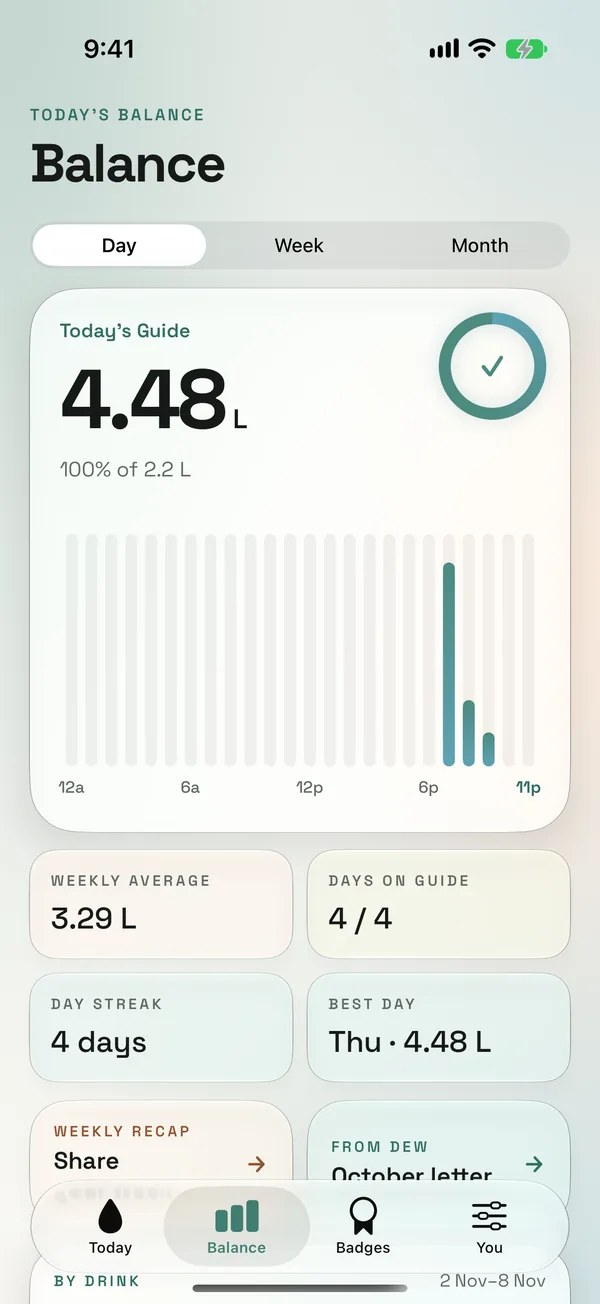
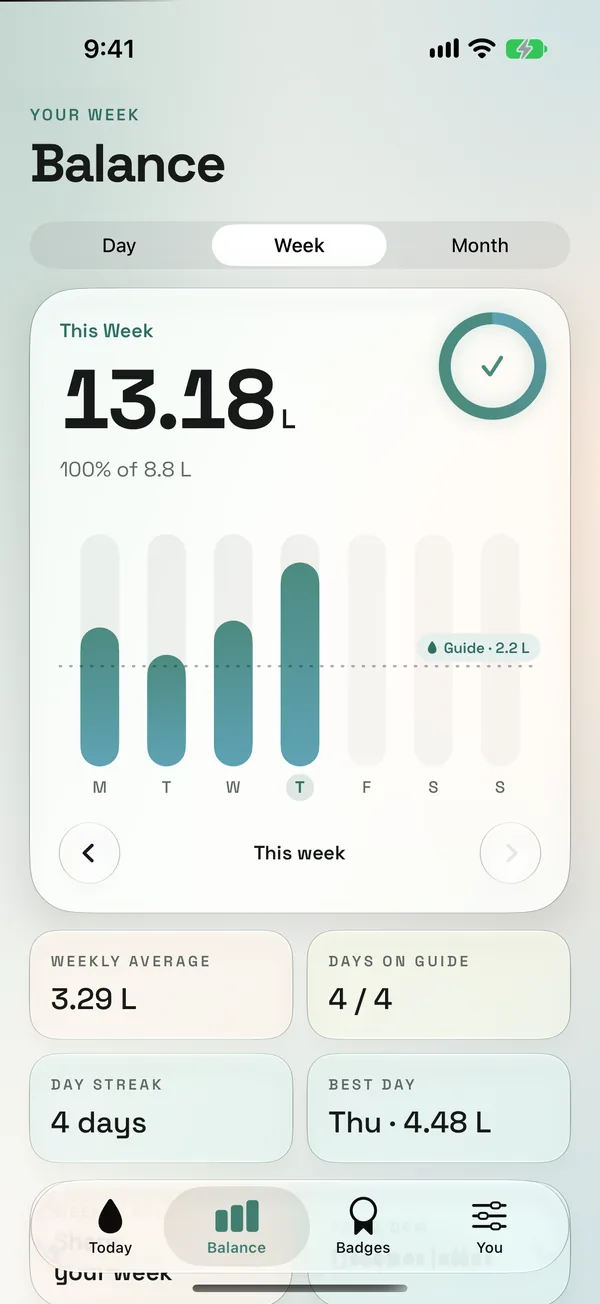
One bar a day against your guide line. Step back through every week before it.
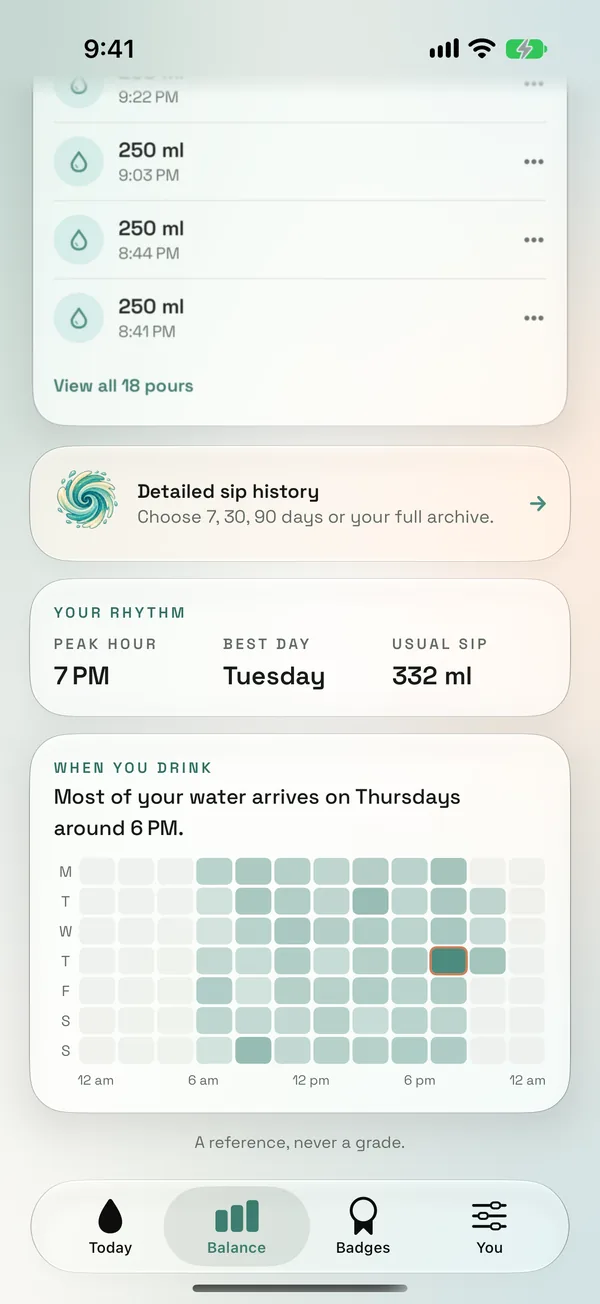
A grid of your hours shows your rhythm: the busy afternoons, the dry mornings.
A reference, never a grade.
Set your own daily amount and your climate, and choose the hours reminders are allowed to speak.
Give your drop a name, choose how chatty it is, and pick an outfit.
What's inside
01
Tap to add your usual cup, or press and hold to pour exactly what you drank. Save your own bottles, like a desk bottle or a gym flask, and log them in one tap.
02
Only in the hours you choose, quiet once you reach your goal, and silent during Focus.
03
Charts for your day, week and month. Drag across them to see any day.
04
Home Screen and Lock Screen widgets, Control Center, the Action button or just Siri: “Log water in Sipwell.”
Make it yours
Pick a colour and everything follows: the glass, Dew, the charts. Try one. (This page will change too.)
Mint, Tide and Apricot are free. The other six come with Plus.
After dark
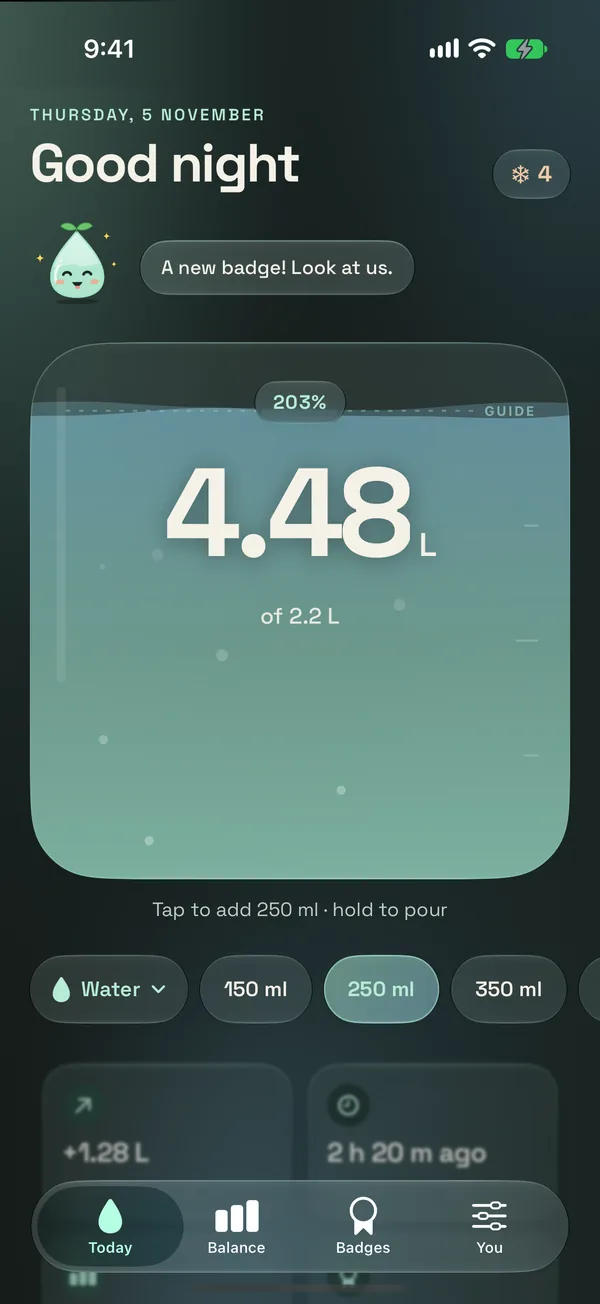
Dark mode keeps the water bright and turns everything else down. Drag across the phone to see both.
Badges
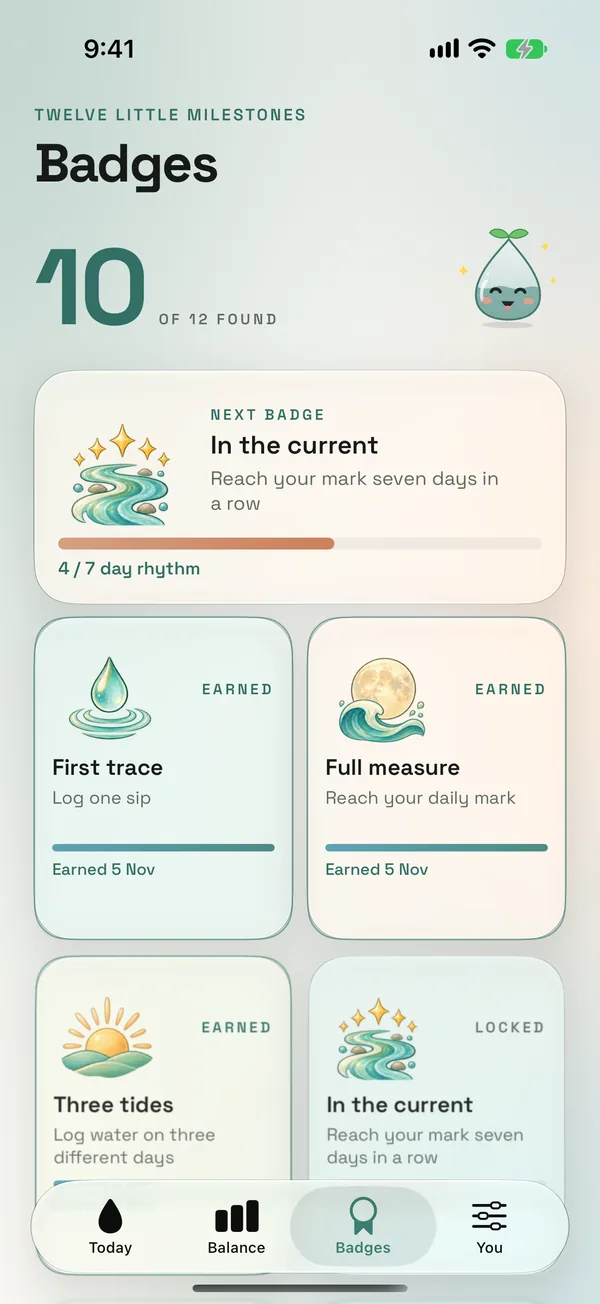
Painted keepsakes for showing up for yourself. Nothing expires, and there's no ranking.












Private by design
Sipwell Plus
The core water tracker is free, forever. Plus is for people who want to go deeper, and it helps a tiny studio keep going. Monthly, or pay once.
Sipwell is a wellness helper, not medical advice. Follow any fluid guidance from your clinician.
 SIPWELL